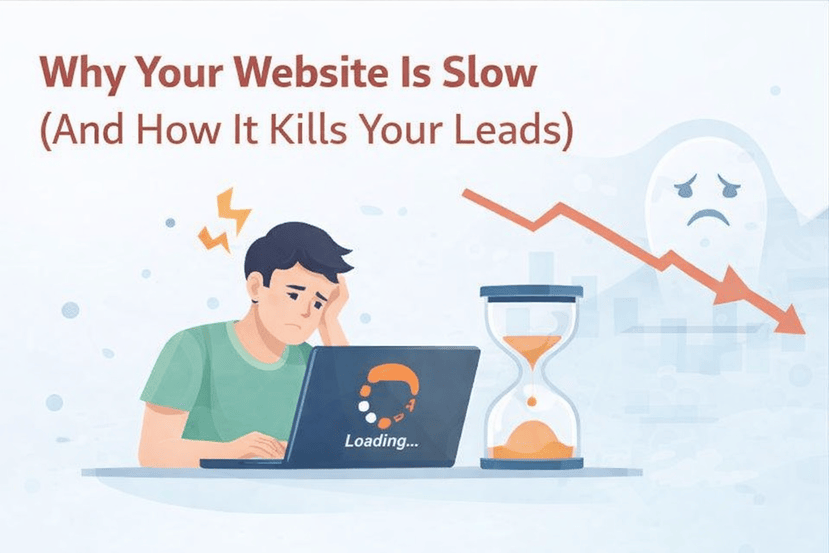
In the digital age, patience is a virtue that absolutely no one possesses. If your website takes more than 3 seconds to load, you've likely already lost a significant portion of your audience. Website speed isn't just a "nice-to-have" technical metric; it is a fundamental business asset that directly correlates with revenue.
The True Cost of a Slow Website
Research consistently shows that page load time is the silent killer of conversion rates. A study by Portent found that a site that loads in 1 second has a conversion rate 3x higher than a site that loads in 5 seconds.
"53% of mobile site visits are abandoned if pages take longer than 3 seconds to load."
Let's put this in real money terms. If your business generates $10,000 per month online, a 1-second delay could be costing you $700 or more every single month. That's $8,400 a year lost to... loading spinners.
Case Study: The Amazon Effect
Amazon famously calculated that a page load slowdown of just one second could cost it $1.6 billion in sales each year. While your numbers might be smaller, the principle is identical: Speed = Trust = Sales.
Common Culprits of Slow Performance
Why do websites get slow? Usually, it's a combination of "feature creep" and poor optimization.
- Unoptimized Images: This is the #1 offender. We often see clients upload 5MB raw photos from a DSLR directly to their homepage. That's like trying to push a watermelon through a garden hose.
- The "Plugin Bloat": If you're using a website builder like WordPress, it's tempting to install a plugin for everything. A calendar plugin here, a social slider there. Each one adds its own CSS and JavaScript files, choking your loading capability.
- Cheap Shared Hosting: You get what you pay for. $5/month hosting often means you are sharing server resources with hundreds of other sites. If one of them gets a traffic spike, your site slows to a crawl.
- Render-Blocking Code: Excessive JavaScript that forces the browser to stop and "think" before it can paint the page on the screen.
How to Speed Up Your Site (The Action Plan)
Improving your website's performance doesn't always require a complete overhaul, but it does require a strategy.
- Compress Images Aggressively: Use next-gen formats like WebP. Tools like TinyPNG can reduce file size by 70% without visible quality loss.
- Audit Your Plugins: Be ruthless. If a plugin isn't essential to your business operations, delete it. Can that "Instagram Feed" widget be replaced with a static image?
- Enable Server-Side Caching: This allows your server to store a "photocopy" of your page to hand out instantly, rather than rebuilding the page from scratch for every single visitor.
- Consider a Custom Solution: Custom-coded websites (using technologies like Next.js or Node.js) are often significantly faster than template-based builders because they only contain the code you actually need.
At TechStream, we specialize in building high-performance, custom web applications that load instantly and keep your customers engaged. We don't just build websites; we build speed machines.

Leave a Comment